Small PDF, Big Relief: Compress PDF Files in Seconds with PDFDuniya
Learn why PDF files become large, how to reduce their size with PDFDuniya, and when a smaller file can make uploading, emailing and sharing easier.
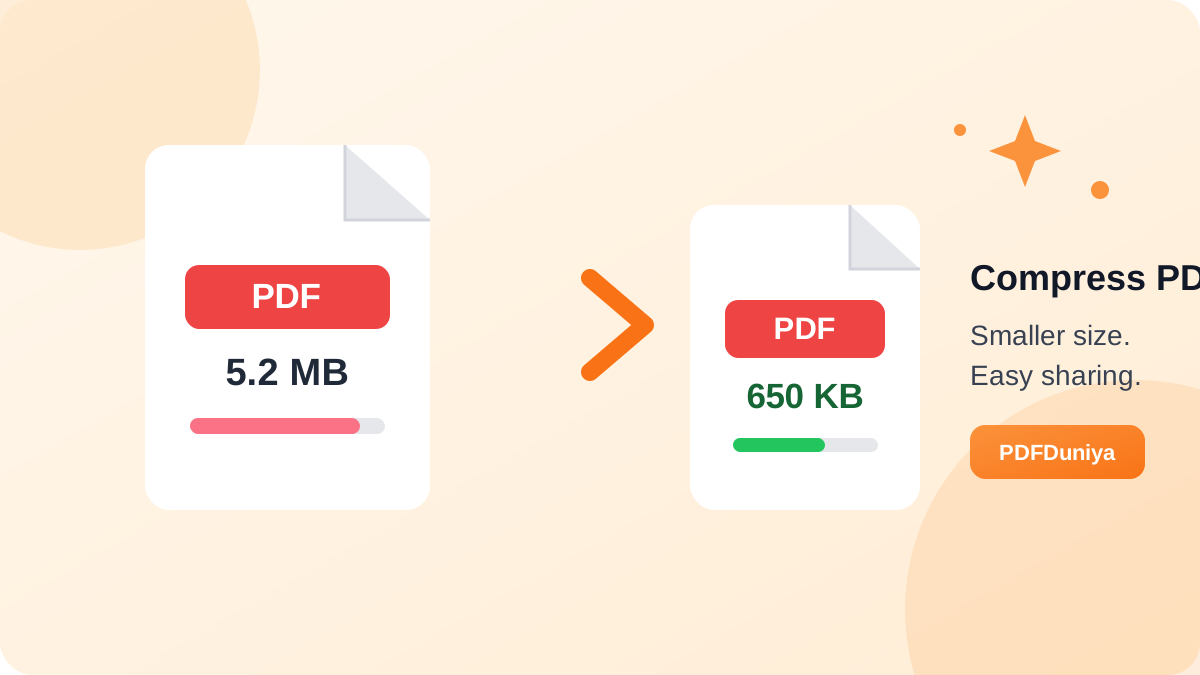
It’s ten minutes before a job application closes. Your resume is ready, but the portal rejects it because the file is too large. Heavy PDFs have a knack for causing trouble at the worst moment. The quickest fix is to shrink the file, and the PDF Compress tool on pdfduniya.com is built for exactly that.
What Makes a PDF So Heavy?
Most of the weight comes from photos, scanned pages, and embedded fonts. A single scanned page can be many times larger than a typed one, so a 50-page scan can easily grow too big to email or upload. Trimming that excess gives you a small PDF that travels easily and opens without lag.
PDF Compress: One Tool, One Purpose
PDFDuniya’s PDF Compress does one thing: it reduces the size of your document so you end up with a light PDF you can send, upload, or store anywhere. You don’t need to install anything or figure out technical settings. You work straight from your browser, whether you’re on a laptop or a phone.
How to Compress a PDF
- Go to pdfduniya.com and choose PDF Compress.
- Select the file you want to shrink, or drag it onto the page.
- Start the compression and wait a moment.
- Download the lighter version and use it right away.
Where a Lighter File Really Helps
- Strict upload limits: Job portals, college websites, and government forms often cap file sizes. A compressed file gets past them.
- Crowded inboxes: Email services restrict attachment size, and a light PDF stays within the limit.
- Limited phone storage: Smaller documents leave room for photos, apps, and everything else.
- Weak internet: A small PDF takes less time to send, receive, and open.
- Chat sharing: Messaging apps handle small files faster than bulky ones.
Who Gets the Most Out of It
Students who submit assignments online, freelancers who send proposals, HR teams who collect applications, and shop owners who email invoices all deal with PDFs daily. For them, compressing PDF files is routine, and a dependable tool can save a surprising amount of time over a month.
Smart Habits Before You Hit Compress
- Keep the original. Store your full-quality file separately in case you need it for printing later.
- Check the result. Open the compressed file and zoom in on key pages to confirm that text and images look clear.
- Rename the new file. Add something like “-small” to the name to avoid mixing up the two versions.
- Start with scans. Scanned documents usually shrink the most, so they’re the best place to begin.
Wrapping Up
A large PDF shouldn’t hold up your application, your invoice, or your assignment. With PDF Compress from PDFDuniya, you can turn a bulky document into a small, light PDF in just a few moments. Visit pdfduniya.com, try it on your next file, and send it without a second thought.