How to Edit a PDF for Free
Need to sign a document, combine PDFs, add a watermark, or make other quick changes? PDFDuniya helps you handle everyday PDF tasks for free in your browser, without installing software. Choose the tool that fits your task, make your changes, and download your updated PDF.
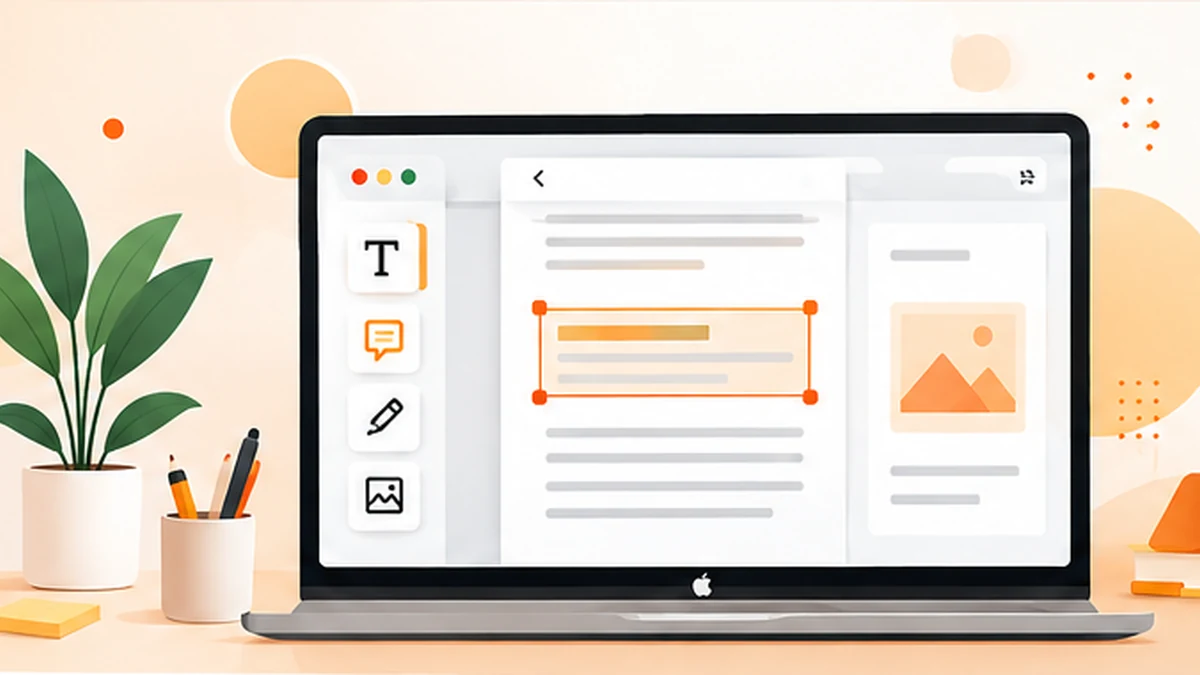
Edit PDF files for free with PDFDuniya. Sign documents, merge PDFs, add watermarks and manage pages online without installing software.
What "editing a PDF" really means.
Editing is not one single task. Depending on your situation, you may need to:
• Sign a document or add your initials.
• Combine several PDFs into a single file.
• Add a watermark such as "Confidential" or "Draft"
• Reorder, rotate, or remove pages.
• Compress or convert the file.
Once you know what you need, the right free tool becomes obvious.
Step-by-step: editing a PDF online for free
1. Open an online PDF tool. Go to PDFDuniya in any browser on your phone or computer. There is nothing to download.
2. Pick the tool that matches your task. Choose signing, merging, or watermarking from the tool list.
3. Upload your file. Select the PDF from your device.
4. Make your changes. Follow the on-screen options.
5. Download the result. Save the new PDF and keep your original untouched, just in case.
Three PDFDuniya tools worth trying
PDF Sign. Printing a document to sign and rescan it wastes time. With PDF Sign, you can add your signature digitally and send the file back in minutes. It is perfect for rental agreements, job offers, and school forms.
PDF Merge. Applying for a job or a visa often means sending one neat file instead of five separate scans. PDF Merge joins multiple PDFs into a single document, in the order you choose.
PDF Watermark. If you share invoices, drafts, or original work, a watermark discourages misuse and makes ownership clear. PDF Watermark lets you stamp text or a logo across your pages.
Tips for safer, cleaner editing
• Always keep a copy of the original file.
• Rename the edited file clearly, for example, contract_final_signed.pdf.
• Check every page before sending, especially after merging.
• Be careful with sensitive documents and use tools you trust.
Final thoughts
You don't need to pay for heavy software to handle everyday PDF tasks. A good online tool saves time, works on any device, and keeps things simple. Try PDFDuniya's free PDF tools the next time a PDF needs a quick change.