How to Merge PDF Files Online: A Simple Step-by-Step Guide
Learn how to merge PDF files online for free, organize PDF pages, and combine multiple PDFs into one professional document with PDFDuniya.
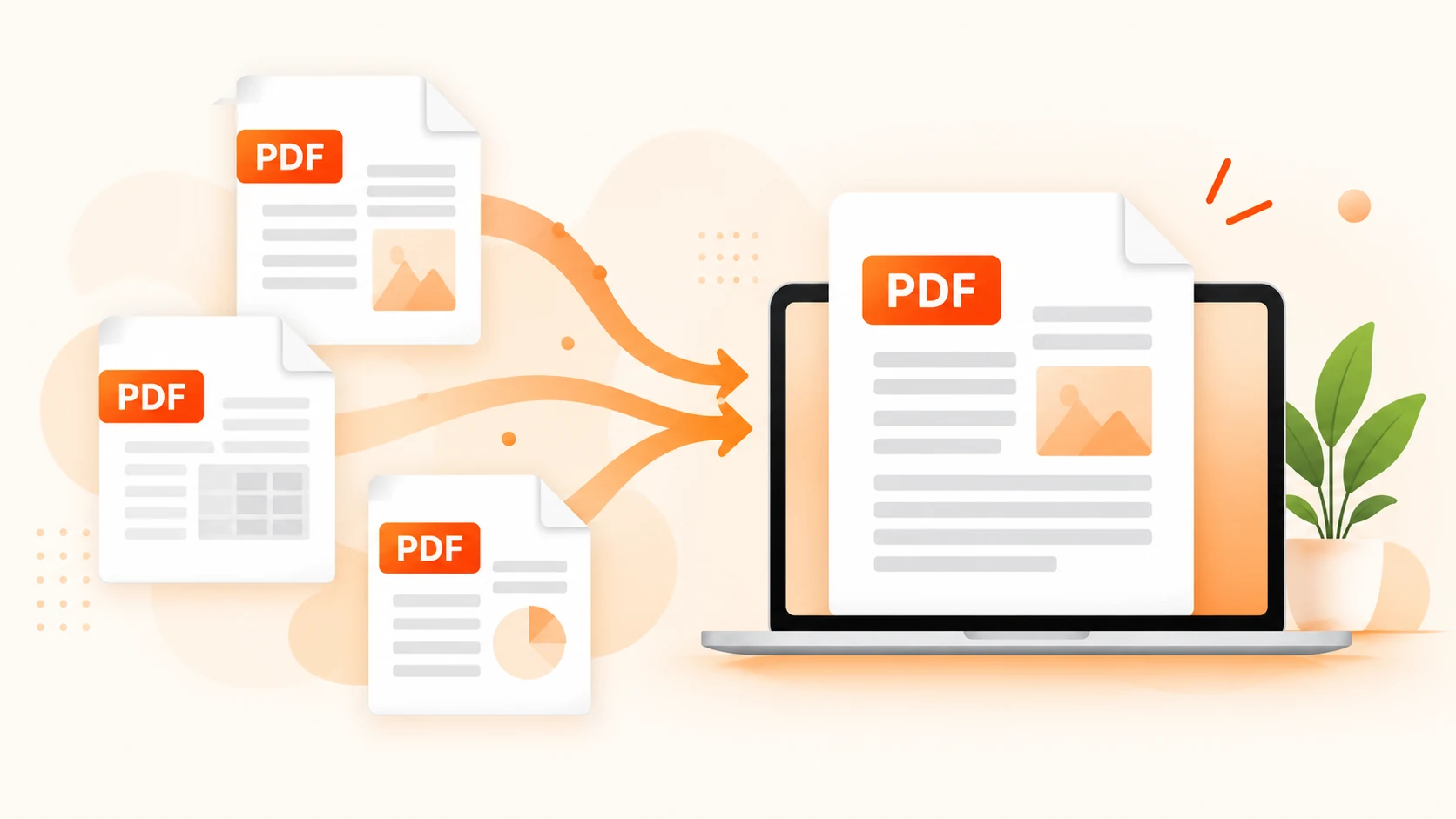
Have you ever had five different PDF files (an invoice, a contract, a few scanned receipts) and wished they were just one tidy document? Sending multiple attachments is messy, and the recipient can easily miss one. The solution is simple: merge them. In this guide, you will learn how to use a free PDF merger, why combining files is so useful, and how to keep everything neat and professional.
Why Should You Merge PDF Files?
Merging PDFs is one of the most common document tasks for students, office workers, freelancers, and business owners alike. Here is why it matters:
One file instead of many. Email, upload, and share a single document instead of a cluttered bundle.
Better order. A single file keeps pages in the exact sequence you want.
Easier storage. Fewer files mean a cleaner folder and quicker searching.
Professional look. Job applications, reports, and legal submissions look far better as one complete document.
Upload limits. Many portals accept only one PDF per submission, so you need to convert different PDFs into one PDF before sending.
How to Merge PDF Files in 4 Easy Steps
With the Merge PDF tool on pdfduniya.com, you do not need to install any software or create an account. It works directly in your browser, on desktop, tablet, or mobile.
Step 1: Open the Merge PDF Tool
Go to pdfduniya.com and open the Merge PDF tool. The page is clean and simple so that you can start straight away.
Step 2: Upload Your PDF Files
You can select several PDFs at once from your computer or phone by using drag and drop or simple upload.
Step 3: Organize Your PDF Order
Drag the files up or down to set the correct order. For example, place the cover page first, the main report in the middle, and the appendix at the end. Remove any file you added by mistake.
Step 4: Merge and Download
Click the Merge button. In a few seconds, it combines your files into one PDF. Download it, and you are done.
Tips to Organize PDF Files Before Merging
A little preparation makes the final document much better:
Rename your files clearly, for example “01-Cover”, “02-Report”, “03-Appendix”, so the order is obvious.
Check the page orientation. Mixing portrait and landscape pages is fine, but check that nothing is upside down.
Remove unnecessary pages before you combine, to keep the file size small.
Keep a backup of the original files in case you need to make changes later.
Is It Safe to Use an Online PDF Merger?
Security is a fair concern, especially for contracts, ID documents, or financial papers. A trustworthy online PDF merger should process your files securely and delete them as soon as it is done. Always choose a tool from a reliable website, and avoid sharing sensitive files on unknown platforms. The Merge PDF tool on pdfduniya.com is built to make merging quick, simple, and safe.
Common Situations Where Merging PDFs Helps
Students: combine assignment pages, notes, and references into one submission.
Job seekers: join your CV, cover letter and certificates in a single file.
Businesses: merge invoices, purchase orders, and agreements for clean records.
Freelancers: deliver a complete project report with all supporting documents.
Everyday life: combine bills, tickets, and forms into one file for easy printing.
Frequently Asked Questions
Can I merge PDF files for free? Absolutely. You can use the Merge PDF tool on pdfduniya.com at no cost, and there is no registration step.
Will merging change PDF quality? Not at all. Merging simply places your pages one after another, so fonts, pictures, and formatting come through exactly as they were.
Can I merge PDFs on my phone? Yes. Open pdfduniya.com in your phone’s browser and the tool works just as it does on a computer.
How many PDFs can I merge at once? Add the files you need in a single session, then drag them into the sequence you prefer before merging.
Final Thoughts
Knowing how to merge PDF files saves time, reduces clutter, and makes your documents look professional. Whether you want to organise PDF pages, use a fast PDF merger, or combine multiple PDFs into one PDF, the process takes less than a minute. Try the free Merge PDF tool on pdfduniya.com today and turn your scattered files into one perfect document.