How to Split a PDF: 4 Easy Methods (Including the PDFDuniya Split PDF Tool)
Learn four practical ways to split a PDF, from PDFDuniya’s online tool to built-in browser and Mac options.
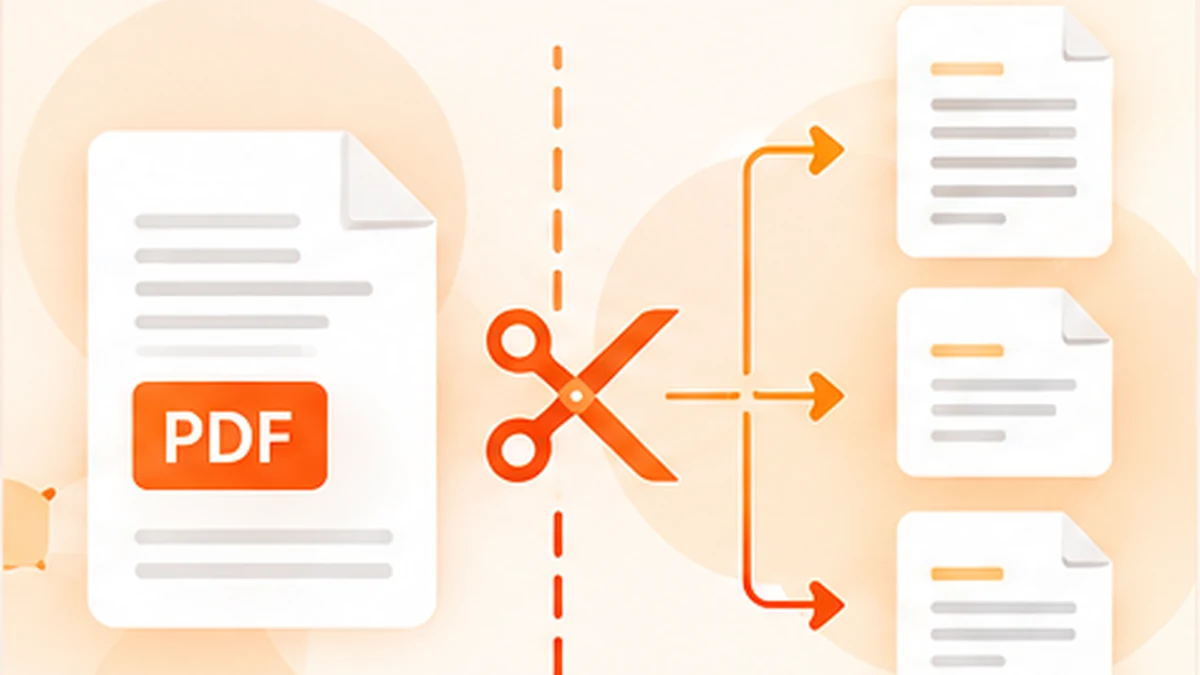
Large PDFs are hard to share, upload, or search. A 200-page report might be too big to email, or you may only need three pages from a long contract. Splitting a PDF solves both problems by breaking one file into smaller ones, or extracting just the pages you need. Here are the most reliable ways to do it, starting with the fastest.
1. Use the PDFDuniya Split PDF Tool (Fastest Method)
- The quickest way to split a PDF is the Split PDF tool on PDFDuniya.com. It runs online, so you do not need to download software. Open it on a smartphone, tablet, or laptop and get started.
- Go to pdfduniya.com and open the Split PDF tool.
- Upload your PDF file.
- Choose how to split it: by page range (for example, pages 1–5), into individual pages, or by selecting specific pages.
- Click Split PDF and download your new files.
- Why use PDFDuniya? It is quick, simple, and works on any device. It is ideal for everyday tasks like extracting a few pages from a report, separating invoices, or breaking a long document into chapters.
- Tip: For extremely confidential documents, such as ID scans or sensitive contracts, you may prefer one of the offline methods below.
2. Use Your Browser (Print to PDF)
- This free trick works on almost any computer using any modern web browser.
- Open the PDF in your browser.
- Press Ctrl+P (Cmd+P on Mac) to open the print window.
- Set the destination to Save as PDF.
- Under Pages, enter the range you want, such as 4–9.
- Click Save.
- Repeat for each section you need. It is simple, though it can be slow for many splits.
3. Use the Built-in PDF Viewer on Your Mac
- Mac computers can split PDFs without any extra software.
- Open the PDF in the built-in PDF viewer.
- Show the page thumbnails from the View menu.
- Select the pages you want and drag them to your desktop. Each drag creates a new PDF.
4. Use Free Command-Line Tools
- For developers or batch jobs, free open-source command-line tools can split hundreds of PDFs with a single command. This is the best choice when you need to process many files automatically, though it takes some technical knowledge to set up.
Which Method Should You Choose?
Quick split on any device: use PDFDuniya’s Split PDF tool.
No extra tools, offline: use your browser’s Print to PDF feature.
Mac user: use the built-in PDF viewer.
Many files at once: use command-line tools.
Final Thoughts
Splitting a PDF takes only a minute once you know the right tool. For most people, the quickest option is the Split PDF tool on PDFDuniya.com: upload, choose your pages, and download. Try it today and never struggle with an oversized PDF again.