O que é um leitor de PDF? Como funciona e o que procurar
Entenda a função de um leitor de PDF e as diferenças entre ler, editar e converter documentos.
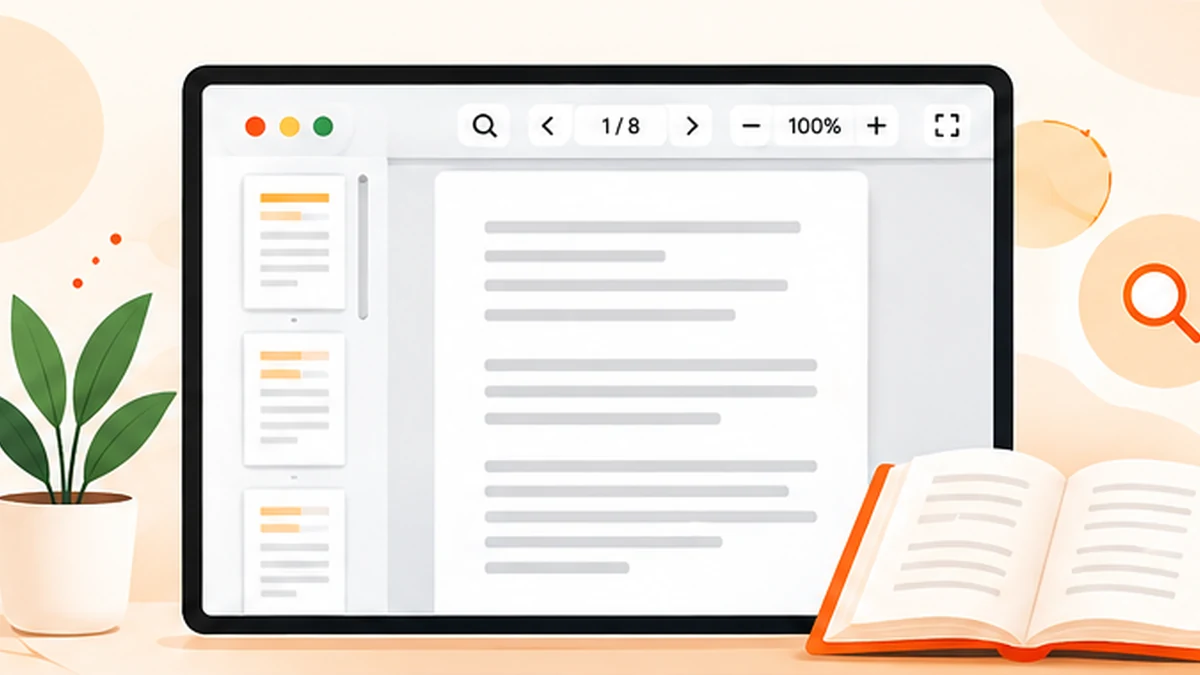
A PDF reader is an application or built-in feature that opens a Portable Document Format file and displays its pages. It helps you read, search, print and sometimes annotate a document while keeping the layout close to the way its creator intended. Most people use a reader without thinking about it—until a file will not open, a form cannot be completed or a document needs a change.
What does a PDF reader actually do?
A PDF reader interprets the document’s page instructions and displays text, fonts, images, vector drawings, links and other elements in the right positions. The PDF format is designed to preserve a page’s appearance across different devices and operating systems, so a report created on one computer can generally be viewed on another without the recipient needing the original authoring software.
Readers also provide navigation controls. You can move between pages, zoom in, search for a word, follow links, print selected pages and often view a thumbnail outline. More capable readers may support comments, highlighting, signatures, form fields, accessibility features and document security settings.
PDF reader vs PDF editor vs PDF converter
A reader or viewer is primarily for opening and reviewing a file. Some readers include annotation tools, but those tools may add notes or text boxes rather than changing the original text. An editor is intended for modifying page content or document structure. A converter changes a PDF into another format, or turns another file type into a PDF.
The names are not always used consistently by software vendors, so look at the actual feature list. If you only need to read a statement, a lightweight viewer is enough. If you need to correct a paragraph, remove a page or turn a page into a JPG, choose a tool built for that job.
Features worth having in a reader
For everyday use, look for reliable rendering, quick page navigation, text search, zoom, printing and the ability to open links. If you review long reports, bookmarks, a table-of-contents panel and page thumbnails save time. If you work with forms, check that the reader supports the form fields used in your document.
Accessibility can matter just as much as convenience. Useful features may include keyboard navigation, screen-reader compatibility, text selection, reflow options and support for tagged PDFs. The result also depends on whether the document itself was created with a sensible reading order and accessible structure.
Do you need to install a PDF reader?
Not necessarily. Modern browsers can display many PDF files directly, and operating systems often include a basic viewer. A dedicated application may still be useful if you need advanced printing controls, annotation, offline organisation, certificate handling or features your browser does not provide.
When choosing software, use a trusted source and keep it updated. Be cautious with unexpected PDF attachments, especially if they ask you to enable unusual features or visit an unfamiliar website. A reader can display a document, but it cannot guarantee that the document’s claims or links are trustworthy.
Why some PDFs look different or will not open
A file may rely on fonts that were not embedded, contain damaged data, use a feature unsupported by an older viewer, or be protected by a password or permissions. Try an updated reader and download the file again from its source if you suspect corruption. If only one application fails, test the same file in another trusted viewer before concluding that the PDF is broken.
If the file opens but text cannot be selected, it may consist of scanned page images. OCR is needed to recognise the words. If a form looks blank or fields do not work, try a reader that supports interactive forms rather than relying only on a browser preview.
A simple rule for choosing the right tool
Start with the task, not the software name. Reading and printing call for a reader; comments and highlights call for annotation; changing existing text calls for editing; changing file type calls for conversion. This distinction helps avoid installing a large application for a small task—or expecting a basic viewer to do work it was never designed to do.
Frequently asked questions
Is a PDF reader the same as Adobe Acrobat?
No. Adobe Acrobat is a product family that includes different viewing, editing and document workflows. Other applications and browsers can also read PDFs.
Can a PDF reader edit a document?
Some readers support annotations and form filling. Changing original page text or layout usually requires a dedicated editing feature.
Can I read a PDF without internet?
Yes, if the PDF is saved on your device and the reader or application is available offline.